
· IT DEV · 4 min read
Chrome DevTools MCP: how it changes technical SEO audits
Learn what Chrome DevTools MCP is and how it helps SEO specialists and agencies automate technical SEO audits faster.
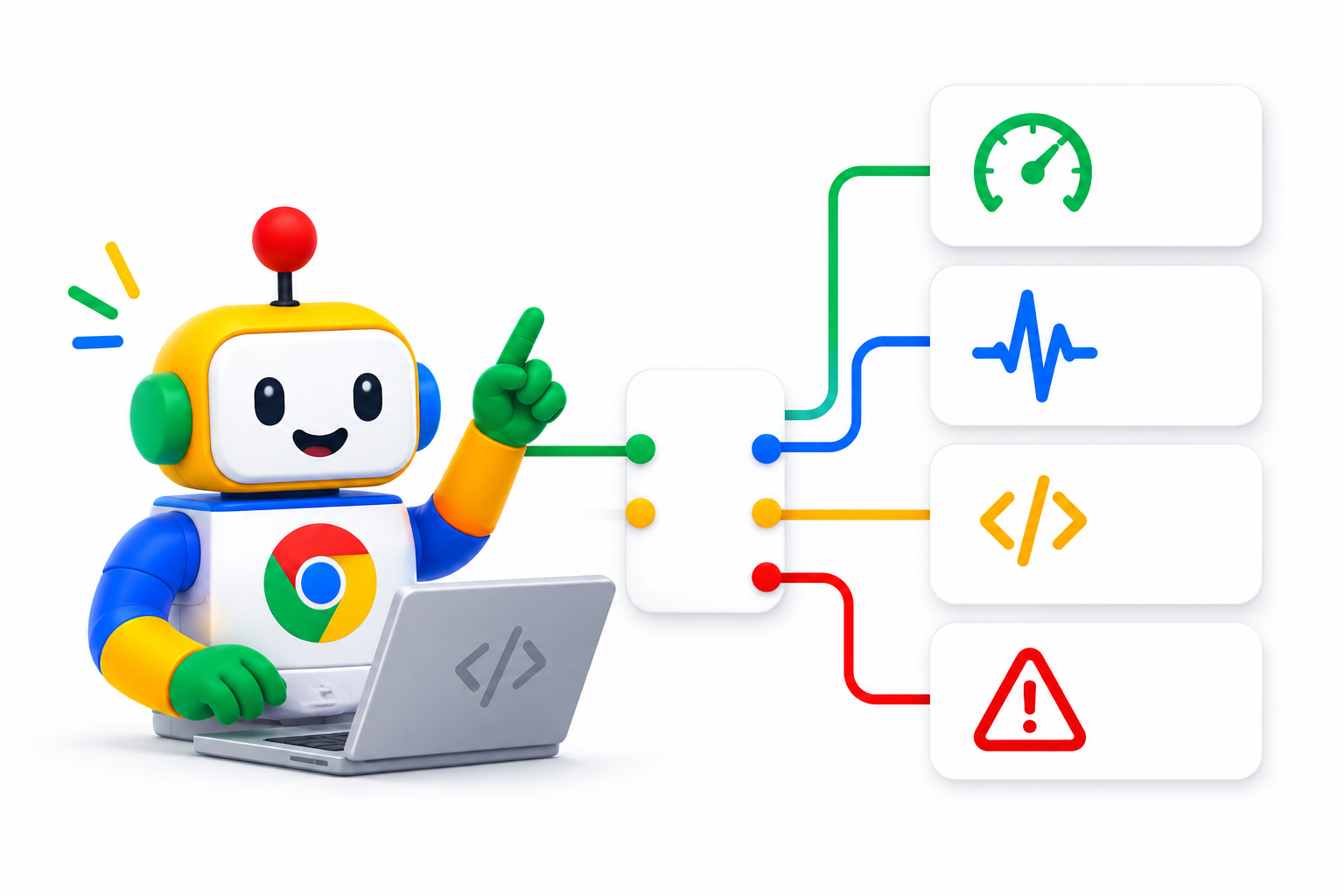
If you work in SEO, you have probably spent countless hours in Chrome DevTools trying to find issues that hurt site performance. Lighthouse audits, Core Web Vitals, console errors, network requests, and dozens of other technical checks are daily work for every SEO specialist or web developer.
Google is changing that process in a big way with Chrome DevTools MCP (Model Context Protocol), technology that lets AI tools such as ChatGPT, Claude, and Cursor interact directly with the browser and run technical checks automatically.
This evolution can significantly cut the time a technical SEO audit takes and help SEO teams and digital agencies manage many more projects with greater accuracy.
What is Chrome DevTools MCP?
MCP (Model Context Protocol) is a protocol that lets AI applications connect to external tools and perform actions in them.
With Chrome DevTools MCP, AI gets access to Chrome developer tools and can analyze a website much like an SEO specialist or developer would.
Instead of opening DevTools manually and checking dozens of reports, you can give a simple instruction such as:
“Run a full technical SEO audit on this page.”
The AI runs the analysis and returns organized results and improvement suggestions.
What can it check?
Through Chrome DevTools MCP you can run checks such as:
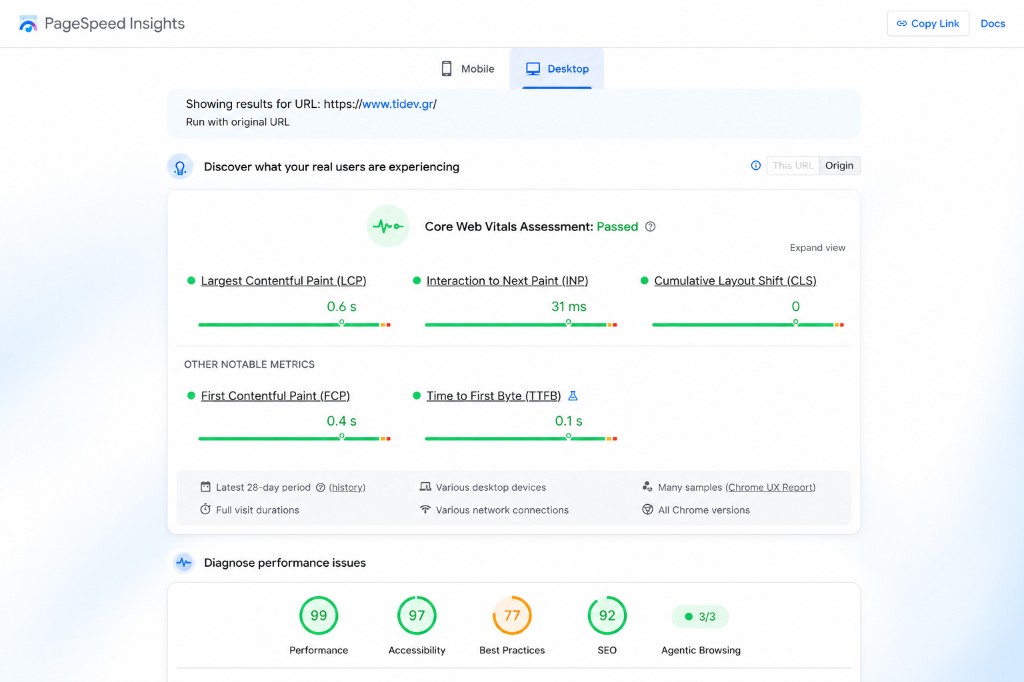
- Core Web Vitals
- Largest Contentful Paint (LCP)
- Interaction to Next Paint (INP)
- Cumulative Layout Shift (CLS)
- Lighthouse Performance
- Console errors
- JavaScript errors
- Render-blocking resources
- JavaScript bundle size
- Image optimization
- Caching policies
- Third-party scripts
- Mobile performance
- Accessibility issues
Essentially, everything you would review in a full technical SEO audit can now be analyzed automatically.
Why it matters for SEO
In recent years Google has placed more emphasis on user experience and site performance.
Factors such as load speed, layout stability, and response to user actions directly affect overall site quality.
That is why Core Web Vitals are now part of every modern SEO strategy.
The problem is manual analysis takes time. A thorough check can take 20 to 30 minutes per page, especially when many metrics are involved.
With Chrome DevTools MCP, that process is automated and results can be produced in minimal time.
The most common issues found
Many modern sites show recurring technical problems that hurt both SEO and visitor experience.
High LCP
Largest Contentful Paint measures how quickly main content appears. Common causes of delay include:
- Large images
- Slow servers
- Unoptimized fonts
- Render-blocking CSS and JavaScript
Poor user response (INP)
Interaction to Next Paint measures how fast the page responds when the user acts. High values are often caused by:
- Excessive JavaScript
- Heavy frameworks
- Third-party scripts
Render-blocking resources
Many sites load files that delay content display. That leads to slower experience and lower scores in evaluation tools.
Large JavaScript bundles
Pages often load hundreds of kilobytes or even megabytes of JavaScript that are not needed for the initial load.
Console errors and hydration issues
Especially in React, Next.js, and Astro apps, these errors can hurt both functionality and performance.
How a digital agency can use it
The real value of Chrome DevTools MCP is not analyzing a single page. It is automating bulk checks.
For example, an agency can:
- Export all URLs from a client’s sitemap.
- Run technical audits on each page automatically.
- Collect results in a dashboard.
- Quickly spot the most important issues.
- Build detailed client reports.
Processes that used to take hours or days can finish much faster.
The future of technical SEO audits
AI does not replace the SEO specialist. It frees them from repetitive, time-consuming tasks and lets them focus on what truly matters: data analysis and strategic decisions.
As tools like ChatGPT, Claude, and Cursor gain more ability to interact with real applications, technical SEO audits will become faster, more complete, and more accessible to every business.
Conclusion
Chrome DevTools MCP is one of the most interesting developments in technical SEO in recent years.
Connecting AI to Chrome tools automates many technical checks that were done manually until now.
For businesses, developers, and digital agencies, that means faster audits, better use of time, and more focus on growth strategy for a website.